
Structuring relational data in BCMS: Lessons from Pixar's storytelling

By Juliet Ofoegbu•February 11, 2026•8 min read
When most people hear “headless CMS,” they think of blogs, marketing sites, or e-commerce content.
Or at least that was what I thought when I first learned about headless content management systems, until I realized how powerful BCMS can be for handling relational data in complex digital experiences, like something straight out of a Pixar movie.
Pixar is an animation studio that creates animated feature films by building entire universes, including animated characters, locations, timelines, scenes, and dialogue.
Each of these elements connects with others in smart, reusable ways. And that sounds a lot like what developers do when designing structured content for complex apps and digital experiences. It’s exactly the kind of content structure BCMS is built for.
So in this article, I’ll break down how you can structure relational data in BCMS, using a Pixar-inspired example as a fun analogy. The same process can also be applied when building a website & web app, newsletter, learning platform, or large content-driven product.
What is relational data and relational content modeling?
Relational data can be defined as information organized in a structured way where the data points are related to each other. Simply put, they are content types that are linked or reference each other.
Relational content modeling is a way of structuring content types so they’re linked to each other instead of being isolated and repeated.
Relational vs. non-relational databases
In a relational database, data is structured in rows and columns where tables relate to each other through primary key or foreign key relationships.
Instead of repeating the same data over and over, like copying and pasting an author's name into every blog manually (as you'd do in a non-relational databases), you create structured data, which we call relationships. So if an author appears in 10 different blogs, they’re referenced, not duplicated.
Here’s how BCMS handles relational database model:
Templates: These are the core content structures that define the main entities in your application and are then used to create entries. For example, in a job board application, you’d create a template with the following properties:
Job Post,Company,Job Category.Groups: Groups are like mini-templates you can reuse inside other templates, widgets, or another group. For example, in a real estate application, you can create a group where you’d have properties such as
Address,City,Zip Code, andStatethat can be reused inside a template.Widgets: Widgets are flexible, reusable building blocks that you can add into entries and are great for rich layouts. For example, in a marketing site, you’d have
Testimonial widget (profile image, name, and quote).Entries: In BCMS, entries are actual content records created for a template. Each entry includes a meta section (with fields like title, tags, author, etc.) and a content area (where you add rich text and widgets).
These entries can reference other entries to build relationships between content types. That is relational data in practice.
For example, in a publishing site, a Blog Post entry includes metadata (title, author, tags, publish date) and pulls in reusable widgets like image galleries or quotes. It can also reference entries from other templates, like Author, using the Entry Pointer property in the template.
With this approach, you can avoid duplication and reduce complexity, and it provides a structured, consistent way for you to manage data.
Now let’s apply that to something fun…
Relational data modeling using Pixar as a content model
To bring this to life, let’s imagine you’re building a Pixar-style storytelling app. How would you structure it using BCMS?
Here’s how I’d structure my data models.
First, I’d create three templates (Character, Location, and Scene), a group (Personality Traits), and a widget (Dialogue) with their corresponding properties listed below:
1. Character template
Each character is its own content entry, with fields that describe them individually:
Field | Type | Description |
|---|---|---|
Name | Text | The character's full name |
Personality traits | Group pointer (create a group for this, with a property: "Traits" | Custom fields like kindness, bravery, curiosity, cranky |
Image | Image | Profile image of character |
Voice actor | Text | Actor name |

Once a character is created, they can be referenced across multiple scenes, promotional pages, or even internal documentation without rewriting any data. (Spoiler: BCMS allows full data integrity.)
2. Scene Template
Scenes are modular and dynamic. They tie in various content elements:
Field | Type | Description |
|---|---|---|
Scene title | Text | Short title of the scene |
Location | Entry Reference (Location) | Where the scene takes place |
Characters in scene | Entry Reference ( Multi-selected from character) | All participating characters |
Script | Widget (Dialogue Blocks). It will be included in the rich text area as an entry or entries in a scene | Repeatable dialogue lines in structured form |

Each scene serves as a content hub of relational content that connects characters, locations, dialogues, and events.
3. Dialogue widget
This will be a repeatable field inside scenes that models every spoken line by characters.
Field | Type | Description |
|---|---|---|
Speaker | Entry Reference (Character) | Who says the line |
Line | Text | The spoken words |
Mood | Enumeration | Emotion of the speaker (e.g. angry, nervous, excited) |
Timestamp (optional) | Number | When the line occurs in the timeline |

4. Location template
Locations need structure, too, so here’s how I’d handle this:
Field | Type | Description |
|---|---|---|
Name | Text | Location name |
Description | Rich Text | Background details or history |
Image | Image | Map or background art |

How it all connects: Relational data in action
Let’s see a relational database in action in the above Pixar setup.
Templates define the structure of Characters, Locations, and Scenes.
Groups (Personality Traits) allow reusable structured fields within entries. In this case, I used it in the Character template as a group pointer so that I can easily select a trait among the listed personality traits for each character.
Widgets (Dialogue) allow you to repeat and embed structured data (lines of dialogue) in scenes. When you add Dialogue widgets inside a Scene as entries, you get to choose the speakers from existing Characters, moods from existing Moods, and then add dialogue lines & timestamps.
Entries link content together (a Scene references multiple Character entries, a Location entry, and multiple Dialogue widgets). For example, when I create a Scene, I don’t have to type character names or locations; I’ll simply choose any character and location from the Character and Location entries.
Here's a visual relationship diagram of the relational model that shows how these BCMS entries (Character, Location, Scene, Dialogue) relate to one another in our Pixar-style project:

The image below showcases how I used the Dialogue widget as an entry in a scene.

How does this affect data consistency?
If you change a character’s name in the Character entry, it’s automatically updated in every scene and dialogue they’re in.
Want to change the setting of 5 scenes from “Paradise Falls” to “Fredricksen’s House”? Just switch the location reference in those scene entries. No need to rewrite anything.
In this relational data example, you've learned how relational data modeling works to connect content that stays in sync.
Real-world developer use cases for relational data
This kind of relational data structure is useful everywhere, not just for creative teams that want to structure relational content. As a developer building scalable content-based applications, with this kind of approach, you get:
Reusability: You won’t need to create new versions of the same content. Reference and reuse instead.
Maintainability: If you want to change the blog title entry of a template, do it once and it updates everywhere that blog is linked to. This makes it easy to maintain your blog content.
Query power: Use BCMS’s API to fetch all entries relating to a content type (template), widgets in a template, group, etc.
Multi-platform ready: Your data is structured and clean, so it’s easy to power a website using any of your desired frameworks, feed a mobile app, populate a newsletter, or push to a game engine.
Here are real-world examples of content-based applications that can benefit from the relational content modeling approach I demonstrated in the Pixar setup analogy.
1. E-learning platforms
Courses → contain Modules → contain Lessons → contain Quizzes
Each Quiz can pull from a shared bank of Questions
Lessons reference teachers, video assets, and resources.
2. SaaS product docs
Features → have Pages → contain Tip widgets → reference FAQs
Tips and FAQs can be reusable blocks across multiple entries.
3. News or publishing platforms
Articles reference Authors, Tags, and Categories
Authors have bios, avatars, and social links
Tags and Categories help organize content at scale and can be used for filtering.
With BCMS as your relational database management, you can build all these and make them clean, maintainable, and API-ready. It’s how modern content-driven platforms should be built: structured and scalable.
Check out 10 Headless CMS Use Cases to explore other applications that are perfect use cases for a Headless CMS, like BCMS, to structure relational data.
Conclusion: BCMS is not just a CMS; it is a relational database management system
BCMS isn’t just a place for you to store content. It’s a content management system that allows you to store, manage, and structure your applications’ relational data for reusability and maintainability.
If you’re building a movie relational databases, an online education portal, product documentation, a game application, or a high-scale product catalog, storing and structuring your relational data in BCMS gives you the flexibility and control you need.
So next time you're modeling a complex project, think like Pixar. Think in terms of scenes, characters, and dialogue. Think modular, reusable, and connected.
Think of BCMS as your data storage.
Want to try modeling your own Pixar-style world or your own content-based platform?
Start building in BCMS.
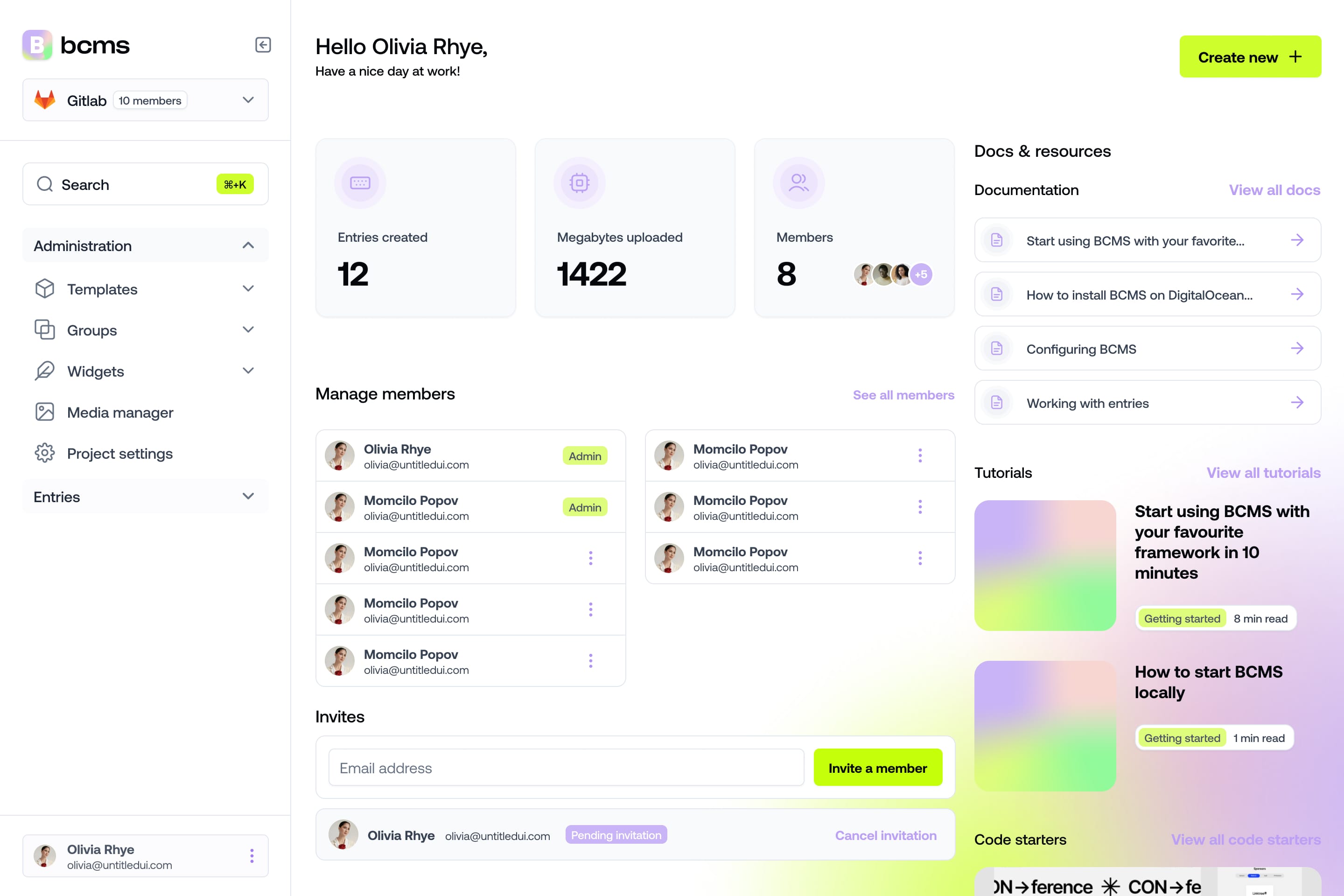
It takes a minute to start using BCMS
14-day free trial · No credit card required
Try BCMS free
Headless CMS for developers. Agents and clients can edit content. You keep the code.
14-day free trial · No credit card required
Try BCMS free
14-day free trial. No credit card. It takes a minute to start using BCMS.
Content
Try BCMS free
Headless CMS for developers. Agents and clients can edit content. You keep the code.
14-day free trial · No credit card required
Continue reading

Best headless CMS for AI SaaS in 2026
Choosing the right headless CMS is critical for AI SaaS products in 2026

Contentful vs WordPress: which CMS to pick (and when to migrate)
A practical Contentful vs WordPress comparison: architecture, Next.js setups, Contentful CLI migrations, competitors, and when BCMS is the better alternative.

Multisite CMS: Complete guide to managing multiple websites
Multisite CMS: Streamline your workflow & manage multiple websites efficiently. Centralize content, simplify updates, and gain control over all your sites.