
User friendly CMS: Features that make a content management system easy to use in 2026

By Arso Stojović•July 2, 2026•9 min read
Most CMS buying decisions start with feature lists.
Teams compare APIs, headless architecture, localization, workflows, and AI capabilities.
But six months after implementation, nobody talks about features anymore.
They talk about friction.
Why does publishing take so long?
Why can't marketing update content without engineering?
Why is finding content harder than creating it?
Why are we translating the same content multiple times?
Why are we using five tools to manage one content workflow?
In 2026, having a user-friendly CMS means far more than having a clean UI.
The best content management platforms reduce work.
Modern CMS platforms are evolving beyond content publishing. They're becoming content operations platforms that help teams create, collaborate, localize, automate, and increasingly delegate work to AI agents.
This guide explores the features, workflows, automation capabilities, and agentic systems that define the next generation of user-friendly CMS software.
The biggest CMS buying mistake
Most CMS software evaluations look like this:
Question | Usually asked |
|---|---|
Is it a headless CMS? | ✓ |
Does it have APIs? | ✓ |
Does it support localization? | ✓ |
Does it have AI? | ✓ |
Does it scale? | ✓ |
These questions matter. But they are rarely the reason teams love or hate a CMS.
The better questions are:
Better questions | Why does it matter? |
|---|---|
Can a marketer launch a page without a developer? | Speed |
Can editors find content instantly? | Productivity |
Can content be updated once and reused everywhere? | Scalability |
Can localization scale across markets? | Growth |
Can AI remove work instead of creating more work? | Efficiency |
Will new employees learn the system quickly? | Adoption |
Most CMS failures are usability failures disguised as technology decisions.
The hidden costs of a non user-friendly CMS
The cost of a bad CMS rarely appears on an invoice.
It appears in wasted hours.
Developer bottlenecks
Marketing wants to:
Launch a landing page
Update a CTA
Publish a campaign
Create a resource page
Every request becomes a ticket.
Every ticket becomes a delay.
A user-friendly CMS increases autonomy.
A bad CMS creates dependency.
Content duplication
Imagine a promotional banner that appears on:
Homepage
Pricing page
Blog
Documentation
Resource center
In many traditional content management systems, each banner exists separately.
That means five updates.
Five chances for mistakes.
Five times more maintenance.
Localization chaos
Most companies don't struggle with translation.
They struggle with maintenance.
A company with:
500 pages
5 languages
3 brands
Can quickly end up managing thousands of content assets.
Without proper workflows, complexity grows exponentially.
Search failure
Many organizations underestimate content discovery.
At 50 pages, search doesn't matter much.
At 5,000 pages, search becomes more important than publishing.
The larger your content library becomes, the more important discoverability becomes.
The evolution of user friendly CMS platforms
Modern content management platforms have evolved through four distinct layers.
Understanding these layers makes vendor evaluation much easier.
Layer 1: Features
Features remove clicks.
The first generation focused on functionality.
Create content.
Publish content.
Repeat.
Examples include:
Editors
Templates
Media libraries
SEO settings
Layer 2: Workflows
Workflows remove coordination.
The second generation focused on collaboration.
Create.
Review.
Approve.
Publish.
Examples include:
Approval workflows
Content reviews
Localization workflows
Governance processes
Layer 3: Automation
The third generation focused on eliminating repetitive work.
Examples include:
Auto-tagging
Metadata generation
Content audits
Translation assistance
Automation doesn't replace people. It removes repetitive tasks.
Layer 4: Agents
Agents remove operational work.
Humans define goals.
Agents execute tasks.
Humans review outcomes.
This shift may become the biggest CMS transformation of the decade.
The user-friendly CMS maturity model
Not every organization needs the same content management system.
The goal isn't to buy the most advanced platform.
It's to choose the least complex platform that can support your next stage of growth.
Maturity level | Focus | Removes | Typical capabilities | Examples |
|---|---|---|---|---|
Level 1: Publishing CMS | Publishing pages | Manual publishing | Page editing, media management, website publishing | Traditional CMS platforms, basic WordPress setups |
Level 2: Content CMS | Managing content | Content duplication | Structured content, reusable content, SEO, localization | Modern website CMS platforms, website builders |
Level 3: Workflow CMS | Coordinating teams | Team coordination | Approval workflows, permissions, governance, localization workflows | Storyblok, Contentful, |
Level 4: Automation CMS | Reducing repetitive work | Repetitive tasks | Auto-tagging, metadata generation, content audits, AI assistance | |
Level 5: Agentic CMS | Delegating operational tasks | Operational work | SEO agents, localization agents, governance agents, content operations agents | Agent-enabled CMS platforms, BCMS Agents |
What makes each level more user-friendly?
The evolution of CMS platforms isn't really about adding more features.
The most user-friendly CMS platforms aren't necessarily the ones with the most features.
They're the ones that remove the most friction for the people using them every day.

Real-world example: Updating a product announcement
Let's compare how different CMS architectures handle a common task.
Your company launches a new product.
A promotional banner appears on:
Homepage
Pricing page
Blog
Documentation
Resource center

Traditional page-based CMS
Workflow: Open page. Edit banner. Save. Repeat.
Result:
Pages using banner | Requierd updates |
|---|---|
5 | 5 |
50 | 50 |
500 | 500 |
Component-based headless CMS
Headless CMS platforms like Storyblok, Contentful, and BCMS support reusable content structures.
Workflow: Update component. Publish. Everything updates.
Result:
Pages using banner | Requierd updates |
|---|---|
5 | 1 |
50 | 1 |
500 | 1 |
This single capability often determines whether content operations scale successfully. As websites grow, content reuse becomes one of the strongest predictors of long-term CMS usability.
Features that every user-friendly CMS should have
Some features are no longer differentiators. They're expectations.
Features of a user-friendly CMS for content creation
Feature | Why it matters |
|---|---|
Visual editor | Lower learning curve |
Live preview | Fewer publishing mistakes |
Drag-and-drop editing | Faster execution |
Less duplication | |
Consistency | |
Auto-save | Prevents lost work |
Version history | Safe rollbacks |
Media management | Better organization |
Features of a user friendly CMS for SEO
Every modern content management system should include:
Requirement | Why it matters |
|---|---|
Redirect management | Prevents traffic loss during migrations |
Schema support | Improves search visibility |
Internal linking controls | Helps distribute authority |
Metadata management | Supports rankings and CTR |
XML sitemaps | Improves crawlability |
Localization features
A modern CMS should support:
Translation workflows
Locale management
Regional variants
Content synchronization
Translation memory
AI translation assistance
The real question isn't whether CMS is a multilingual CMS.
It's whether localization scales without operational chaos.
Workflow features that remove coordination
Features help users create. Workflows help organizations scale.
Content approval workflows
Bad workflow: CMS → Email → Slack → Spreadsheet → Approval → CMS
Good workflow: Draft → Review → Approval → Publish
The best workflow is the one nobody notices.
Content discovery
A user-friendly content management platform should allow users to find content by:
Language
Author
Market
Publication status
Content type
Tags
Date

Search quality becomes increasingly important as content grows.
Content reuse
One of the strongest indicators of CMS maturity.
Without content reuse: Update 50 pages.
With content reuse: Update one component.
Everything updates automatically.
What features do different teams need to get a user-friendly CMS?
Different teams evaluate CMS software differently.
What makes a CMS user-friendly for content creators is often very different from what developers or enterprise teams need.
Table | Top priorities | User friendly means: | Key question |
|---|---|---|---|
Marketing teams | Landing pages, SEO, campaigns, personalization, analytics | Launching content independently | Can marketers launch campaigns without developer involvement? |
Content teams | Editing, search, approvals, localization, reuse | Publishing content quickly | Can editors create and publish content without friction? |
Developers | APIs, structured content, integrations, extensibility | Building scalable content systems | Can developers build once and reuse everywhere? |
Enterprise teams | Governance, compliance, permissions, scalability | Maintaining control without bureaucracy | Can governance scale without slowing teams down? |
Real-world example: Expanding into German
Company:
500 pages
English website
New requirement: German market.
Localization is one of the clearest examples of how CMS architecture impacts usability. The same expansion project can require different levels of effort depending on how content is structured and managed.

The difference isn't translation itself. The difference is how much manual coordination the content management platform requires after translation is complete.
Automation features that remove repetitive work
Automation removes repetitive work. The goal is not to replace people.
The goal is to remove low-value tasks.
Automated metadata
Instead of manually creating metadata:
Content created.
Metadata suggested.
Human reviews.
Publish.
Automatic classification
A modern CMS should automatically:
Tag content
Classify assets
Detect topics
Suggest relationships
Organize content
This dramatically improves discoverability.
Content health monitoring
The CMS should proactively identify:
Outdated content
Broken links
Missing metadata
Stale translations
Duplicate pages
Before users discover them manually.
Automation has limits
Automation helps users complete tasks faster. But automation still requires humans to define every step in a workflow.
Agents take the next step.
Instead of simply automating predefined actions, they can analyze context, coordinate processes, and proactively assist teams across content operations.
To understand why this matters, let's look at how agentic CMS platforms approach usability differently.
Agentic CMS: How AI Agents make CMS platforms more user-friendly
Most CMS platforms become harder to use as content operations grow.
More content means:
More pages
More workflows
More languages
More approvals
More governance
Traditionally, complexity grows together with content.
Agentic CMS platforms attempt to do the opposite.
Instead of asking users to manage every process manually, specialized agents handle repetitive operational tasks behind the scenes.

Traditional approach:
More content.
More manual work.
More complexity.
Agentic approach:
More content.
More agent assistance.
Less manual work.
This is why agentic capabilities may become one of the most important usability improvements in modern CMS platforms.
How different CMS platforms approach user-friendliness
Different CMS platforms prioritize different aspects of usability.
Some are optimized for marketers, some for developers, and others for enterprise content operations.
Capability | |||||
|---|---|---|---|---|---|
Visual editing | High | Very high | Low | Very high | Very high |
Structured content | Medium | Medium | Very high | Very high | Very high |
Content reuse | Medium | High | Very high | Very high | Very high |
Localization | Medium | Medium | Very high | Very high | Very high |
Workflow support | Medium | Medium | Very high | Very high | Very high |
Automation | Low | Low | Medium | Medium | High |
Low | Low | Emerging | Emerging | High |
The goal isn't to find the most advanced CMS. The goal is to find the least complex CMS that can support your next stage of growth.
Is your CMS user-friendly? The 15-minute CMS test
Before buying any CMS, ask a marketer to perform these tasks:
Create a landing page
Update a CTA used across 20 pages
Schedule content for next week
Find the German version of a page
Fix an SEO title
Identify outdated content
Publish through an approval workflow
If users struggle with these tasks, the CMS isn't as user-friendly as the demo suggested.
The best user friendly CMS removes work
The first generation of content management systems helped teams publish content.
The second generation of CMS software helped teams manage content more efficiently.
The third generation helped teams automate content operations.
The next generation will help teams delegate content operations.
That's the real definition of a user-friendly CMS.
Not the number of features.
Not the architecture.
Not the marketing.
A user-friendly CMS is one that consistently removes work from the people using it.
And in 2026, the platforms that remove the most work through reusable content, intelligent workflows, automation, and AI agents will define the future of content management.
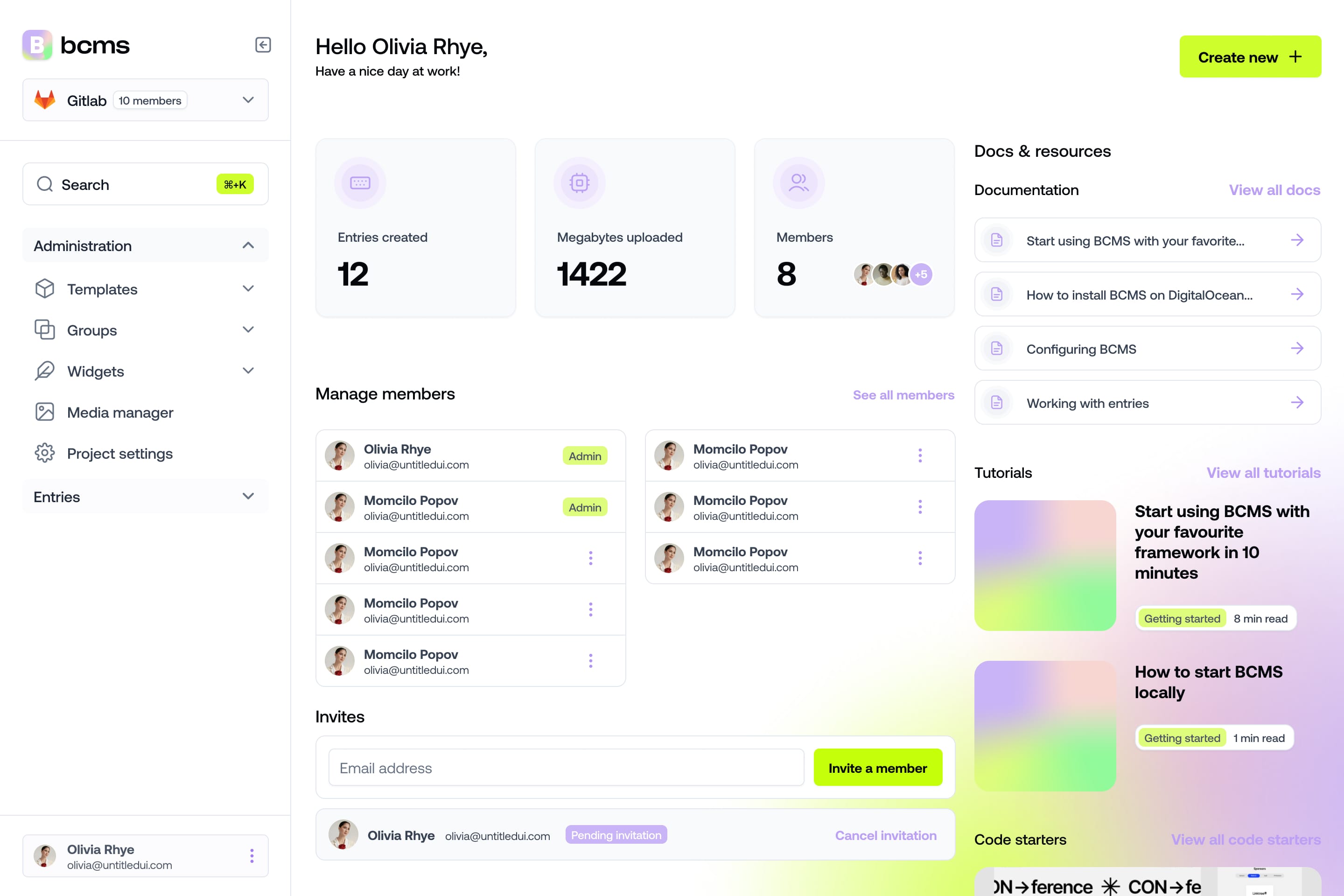
It takes a minute to start using BCMS
14-day free trial · No credit card required
Try BCMS free
Headless CMS for developers. Agents and clients can edit content. You keep the code.
14-day free trial · No credit card required
Try BCMS free
14-day free trial. No credit card. It takes a minute to start using BCMS.
Content
Try BCMS free
Headless CMS for developers. Agents and clients can edit content. You keep the code.
14-day free trial · No credit card required
Continue reading

Best headless CMS for AI SaaS in 2026
Choosing the right headless CMS is critical for AI SaaS products in 2026

Contentful vs WordPress: which CMS to pick (and when to migrate)
A practical Contentful vs WordPress comparison: architecture, Next.js setups, Contentful CLI migrations, competitors, and when BCMS is the better alternative.

Multisite CMS: Complete guide to managing multiple websites
Multisite CMS: Streamline your workflow & manage multiple websites efficiently. Centralize content, simplify updates, and gain control over all your sites.