
Best CMS for Astro: Top Picks for 2026

By Arso Stojović•June 26, 2026•16 min read
TL;DR: The best CMS for Astro
In this article, you’ll discover:
Why Astro is framework-agnostic and what that means in practice
The difference between Astro’s server islands, SSG, and SSR
When and why to use a CMS (and not just Markdown) with Astro
The benefits of headless CMSs over traditional ones for Astro
How to evaluate and choose the best CMS for your Astro project
Why choosing a CMS for Astro is easier than you think
Astro has become a popular choice for developers building fast, content-driven websites. It gives you a lot of flexibility, keeps JavaScript lightweight, and works well for everything from blogs to larger marketing websites.
But choosing the best CMS for Astro projects can still be challenging, especially with so many headless CMS platforms available today.
The good news is that Astro works well with almost any API-first CMS. The real challenge is choosing the right platform for your specific workflow, whether you're building a blog, marketing website, enterprise platform, or developer-focused application.
In this guide, I’ll compare the best CMS platforms for Astro, explain what features matter most, and show why headless CMS solutions like BCMS work especially well with Astro’s modern architecture.
Best CMSs for Astro compared
The best CMS for Astro depends on your project requirements, developer workflow, and content management needs. Some CMS platforms focus on visual editing and marketing collaboration, while others prioritize developer experience, API flexibility, and performance.
Here’s a quick comparison of the most popular CMS platforms for Astro projects.
CMS | Best for: | Hosting | Live preview | Astro integration |
|---|---|---|---|---|
Developer-first workflows | Cloud | Limited | ||
Marketing websites | Cloud | ✓ | ||
GraphQL-first projects | Cloud | Limited | ||
Self-hosted applications | Self-hosted | x | ||
Content-heavy websites | Cloud | ✓ | ||
Cloud | ✓ |
What makes a CMS good for Astro?
Astro is framework-agnostic, meaning it can integrate with virtually any modern CMS. However, not every CMS is equally optimized for Astro’s component-driven architecture, static rendering capabilities, and developer workflows.
When choosing a CMS for Astro, several features become especially important, including API flexibility, rendering support, and content modeling.
What does framework-agnostic mean in Astro?
Astro allows you to:
Mix and match React, Vue, Svelte, and even native HTML/CSS
Render only interactive parts (islands) with JavaScript
Keep the rest of the site static and lightning fast
The Astro framework is framework-agnostic in the sense that it allows developers to use components and libraries from multiple front-end frameworks (like React, Vue, Svelte, and others). In contrast to other JavaScript frameworks, Astro allows you to mix and match components without committing to a single one.
Three key elements allowed Astro to bring these innovations into web development:
Component islands architecture
Astro Islands architecture allows you to create isolated components, only loading JavaScript for the parts of the page that need interactivity.
In other words, the static content will load quickly without any extra JavaScript, and only the interactive parts =( islands) will load JavaScript when they need it.
Let me use the BCMS home page as an example:

Say the BCMS homepage has a mix of static content, like an introduction section with text, images, etc., and some interactive parts, like a header or CTA buttons.
With Astro islands, only the interactive parts—the "islands"—would load JavaScript. So, the text content loads almost instantly, while JavaScript is used only for the parts that need user interaction, such as clicking the CTA button to launch a form.
This approach keeps the initial page load lightweight and quick, while still allowing the interactive sections to function smoothly when they're needed.
Framework-agnostic rendering
By default, Astro compiles the project to static HTML, sending JavaScript only when necessary. Since Astro doesn't dictate a particular front-end framework, you can use anything you like, even pure HTML/CSS/JavaScript. As a result, it is easy to integrate any framework without excessive bundling or overhead.
Astro component syntax
If you know HTML, you already know enough to write your Astro component. The upgrade starts with .astro files being designed to support components from various frameworks in a single format, which Astro's compiler understands.
You can import components from different frameworks without compatibility issues, and Astro will render them correctly.
For full insights and understanding you can check out the Astro Syntax template.
Besides these elements, some features make Astro more and more popular.
Astro features that make website development easier
Even though being a static site generator by default, Astro also supports server-side rendering if necessary. Thanks to this support, SSR generates pages on the server in response to user requests. Users can access dynamic content directly, such as personalized data or frequently changing information.
With this fact, one question comes to my mind: Is Astro becoming a replacement for Gatsby?
How does Astro handle SSR?
As I said, Astro handles SSR by configuring it to generate HTML for each page on the server in response to individual requests.
To enable SSR in Astro, you’ll need to use an SSR-compatible adapter. Astro offers several official on-demand rendering adapters, such as:

Vercel: @astrojs/vercel
Netlify: @astrojs/netlify
Node: @astrojs/node
Cloudflare: @astrojs/cloudflare
These adapters allow you to deploy your Astro site to a server environment that supports SSR. For detailed information visit Astro docs guide.
In summary:
SSG (default): Astro generates static HTML by default for high-performance sites.
SSR (optional): Astro can also handle SSR, allowing for dynamic content.
This flexibility makes Astro versatile, letting you choose the best rendering strategy based on your needs.
Flexible data fetching
Astro has a flexible fetch of data from multiple sources during the build process, including:
REST APIs
GraphQL endpoints
Markdown files
Custom data sources
This flexibility supports structured content by fetching it in one central location.
A major benefit of this feature is that Astro provides the freedom to integrate various data sources without restrictions, making it easy to pull data from a headless CMS or other external sources.
Image optimization

Astro has built-in support for image optimization through its @astrojs/image package, which improves image loading and performance.
By using an Astro image component when you add an image, Astro resizes, formats, serves the image automatically, applies lazy loading, and generates responsive sizes.
This ensures that the appropriate image resolution is loaded for each user's device, resulting in faster loading times and better performance.
These features make Astro versatile and suitable for both static and dynamic sites, but what about content management systems? How to find the best choice? As I said at the beginning, this can be easier than you think.
Why use a CMS with Astro instead of markdown?
Astro includes excellent built-in support for Markdown, JSON, and local content collections, making it a great choice for smaller projects and developer-focused websites.
However, as projects grow, content management becomes significantly more complex.
For simpler sites or smaller projects, managing content directly within Astro might be sufficient, but as the project grows (and to be honest, all online projects grow these days), a CMS becomes inevitable.
6 reasons why it is better to use a CMS for Astro
Better scalability for growing websites
As websites grow, handling content can become difficult if managed directly in Markdown or JSON files. A CMS provides centralized content management, reusable content models, and easier organization for growing websites.
Easier collaboration for non-tech teams
Remember, marketers and others in the content creation process. Most of them have never used Markdown or JSON files to create blogs, articles, etc. A headless CMS allows marketers, editors, and writers to manage content through a visual interface without requiring developer support for every content update.
Another reason is that marketing teams need more content types that Markdown doesn’t support, such as images, videos, tables, and so on.
Content workflows and preview environments

CMS platforms offer versioning, staging, and publishing workflows. These workflows help content teams review and approve content changes before publishing, track past edits, and roll back changes. They're essential for larger teams or organizations that want to check and balance the published content, especially when updating content frequently.
Dynamic content delivery through APIs
Headless CMS platforms deliver content through APIs, allowing Astro projects to fetch and render dynamic content efficiently during build time or through server-side rendering.
CMS can serve content via API, making it easy to dynamically load content into Astro pages at build time or on-demand. You can also serve content to multiple channels (like web, mobile, and apps) and fetch dynamic data using Astro principles.
SEO and content optimization workflows
Markdown can be SEO-friendly, particularly when used correctly in the context of static site generators like Astro ( clean HTML output, easy formatting, inclusion of metadata).
As for dynamic content, a CMS improves SEO by providing built-in tools to manage structured data, optimize content for search engines, and update content easily.
Modern CMS platforms often include SEO management tools, metadata controls, redirects, content scheduling, and preview environments that simplify content optimization workflows.
Localization and multi-channel publishing
Modern content teams often need to publish content across multiple languages, websites, and digital platforms. A headless CMS allows Astro projects to deliver structured content to websites, mobile apps, documentation portals, and other channels through APIs.
Headless vs Traditional: Which one is the best CMS for Astro
For Astro sites, a headless CMS takes the win over traditional ones. Here’s why:
Features | Traditional CMS | Headless CMS |
|---|---|---|
SSG support | Limited support | Full support for SSG |
Flexibility in front-end design | Limited by predefined templates | Full flexibility for custom implementations |
Performance | Dynamic rendering slows page load time | Fetching content at build time for faster load speeds |
Content delivery | Web-centric | Delivers content for various platforms |
Development process | Coding with predefined templates | Coding without CMS constraints |
Performance and static site optimization
Traditional CMS platforms often require dynamic page rendering, where each request pulls data in real-time, which can slow things down.
On the other side, by pairing Astro with Headless, you’ll get a compatible platform that allows Astro to pre-render pages into static HTML, allowing for ultra-fast load times while Headless delivers content through APIs, which Astro can fetch at build time, ensuring faster performance.
Flexible front-end choices
This is more than obvious, traditional CMSs prevent Astro from being framework-agnostic since requires working within CMS templates and themes.
Headless on the other hand, improves Astro’s agnosticism by decoupling the content entirely from the front end, giving Astro the freedom to render data in whatever way fits best and for you to choose front-end development tools for your stack.
Content delivery
Traditional platforms are typically web-centric, making it challenging to share content beyond the website. Since headless platforms deliver content via API, you can push content to any device, from websites to mobile apps, and even IoT devices.
Smooth development workflow
Traditional CMS systems often come with extra overhead like plugins, themes, and customization, which can complicate the codebase, (limited to PHP or a monolithic setup), and bring complexities when integrating with Astro’s build process.
Thanks to webhooks, an API-driven structure that can trigger rebuilds in Astro whenever the content is updated, headless support automatic content deployment.
For more differences and deep understanding check out: Traditional CMS vs. Headless CMS - Full Comparison
Best Headless CMS platforms for Astro
Astro gives developers a lot of freedom when it comes to content management. Most modern headless CMS platforms work well with it, but they solve different problems. The best choice depends on your priorities, whether that’s developer experience, visual editing, scalability, localization, or deployment flexibility.
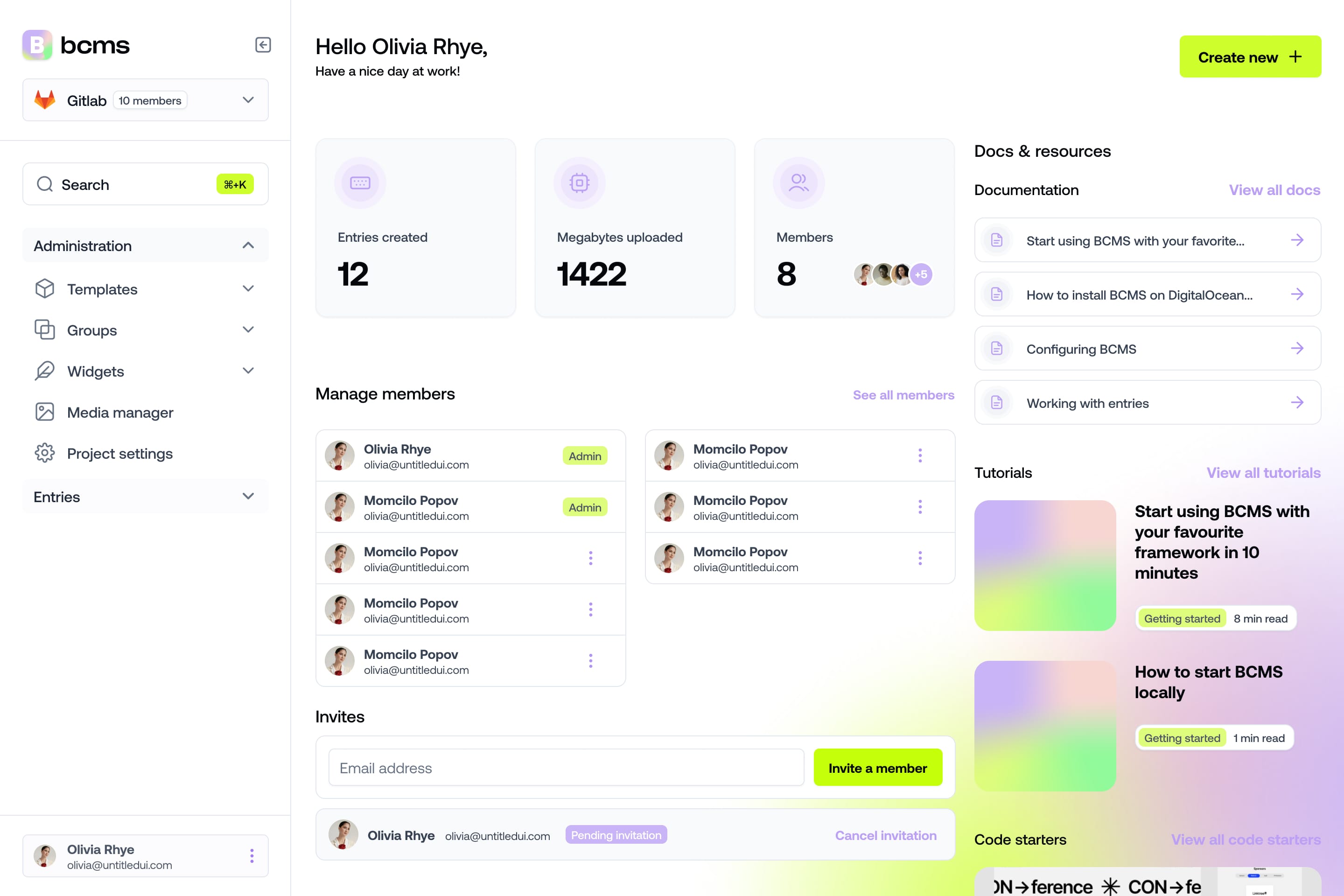
It takes a minute to start using BCMS
14-day free trial · No credit card required
Below are some of the best headless CMSs for Astro projects.
BCMS

BCMS is a good fit for developers who want a flexible CMS without spending days configuring everything. Its API-first approach works especially well with Astro’s component-driven architecture.
Best for: Developer-first Astro workflows and flexible content modeling.
Strengths:
API-first architecture
Flexible content schemas
Self-hosting support
Astro-friendly workflows
Lightweight setup
Limitations:
Smaller ecosystem than some enterprise CMS platforms
Storyblok

Storyblok is popular with marketing teams because of its visual editor and live preview features.
It works well for marketing-focused Astro projects where non-technical teams need live preview capabilities and flexible publishing workflows.
Best for: Marketing teams and visual editing workflows.
Strengths:
Visual editor
Collaboration workflows
Localization support
Flexible APIs
Limitations:
Can become expensive at scale
More marketing-focused than developer-focused
Hygraph

Hygraph works best for larger projects that already rely heavily on GraphQL and structured APIs.
It’s a strong option for teams building complex Astro applications that require structured APIs and scalable content infrastructure.
Best for: Enterprise GraphQL workflows and composable architectures.
Strengths:
GraphQL-native APIs
Strong content federation support
Enterprise scalability
Structured content management
Limitations:
Higher complexity for smaller projects
More enterprise-oriented setup
Strapi

Strapi is one of the most widely used open-source headless CMS platforms and gives developers a lot of control over the backend for building highly customized Astro projects.
Best for: Self-hosted and customizable Astro projects.
Strengths:
Open-source
REST and GraphQL APIs
Highly customizable
Large community ecosystem
Limitations:
Requires more infrastructure management
Setup can become complex for larger teams
Sanity

Sanity is often used for content-heavy projects where teams need flexible editing workflows and real-time collaboration.
Best for: Content-heavy projects and real-time collaboration.
Strengths:
Real-time collaboration
Structured content flexibility
Strong editorial workflows
Customizable studio interface
Limitations
Learning curve for GROQ queries
Advanced customization may require additional setup
Contentful

Contentful is an enterprise-focused headless CMS usually chosen by larger teams that need localization, permissions, and more advanced publishing workflows.
Best for: Enterprise content operations and large-scale websites.
Strengths:
Enterprise-grade workflows
Localization support
Governance and permissions
Strong API ecosystem
Limitations:
Higher pricing for larger teams
More complex setup for smaller projects
WordPress as a headless CMS
Although WordPress is traditionally coupled to its frontend, it can also work as a headless WordPress for Astro through REST APIs or GraphQL integrations. This approach allows teams to keep the familiar WordPress editing experience while using Astro for frontend performance optimization.
Best for: Teams migrating from traditional WordPress workflows.
Strengths:
Familiar editorial experience
Large plugin ecosystem
Easy migration path
REST and GraphQL support
Limitations:
Legacy architecture overhead
Requires additional optimization for best performance
Best Astro CMS by use case
Different CMS platforms solve different problems. Some are optimized for developer workflows and customization, while others focus on collaboration, visual editing, or enterprise-scale content operations.
Here are some of the best CMS choices for specific Astro use cases.
Best Astro CMS for developers
BCMS and Strapi are strong options for developers who want flexibility and API-first workflows. Both platforms allow developers to customize content structures while keeping Astro fully responsible for frontend rendering and performance.
Best CMS for marketing teams
Storyblok and Contentful provide visual editing, preview environments, and collaboration workflows that simplify content management for marketing and editorial teams.
Best open-source CMS for Astro
Strapi is an excellent open-source choice for developers who want infrastructure control, self-hosting capabilities, and extensibility.
Best CMS for Astro blogs
BCMS, Sanity, and WordPress work especially well for content-heavy blogs and editorial publishing workflows.
Best enterprise CMS for Astro
Contentful and Hygraph are strong options for enterprise-grade content operations, scalability, and advanced API workflows.
Best CMS for multilingual Astro websites
Contentful and Storyblok both provide strong localization and multi-language content management workflows.
Why is BCMS the best CMS for Astro
Besides being headless (obviously) BCMS is the best choice for Astro due to its compatibility with Astro's unique architecture and the following BCMS features:
API-first design: BCMS’s API-first approach aligns with Astro's islands architecture, loading data only for interactive components and reducing JavaScript load.
Flexible rendering options: Works seamlessly with Astro’s static site generation (SSG) and server-side rendering (SSR), providing optimized load times and improved SEO.
Content modeling: Allows the creation of reusable content types that integrate easily with Astro’s component-driven structure.
Responsive image handling: BCMS optimizes images and uses lazy loading to ensure responsiveness and fast performance.
User-friendly interface: Simple for marketers and non-developers, allowing them to edit and publish content independently.
All in all, BCMS is a perfect match for Astro. Developers can focus on building great features, while BCMS takes care of the content and performance.
How to Connect BCMS With Astro
If you want to quickly test BCMS with Astro, the easiest approach is to start with an official starter project.
One of the easiest ways to connect BCMS with Astro is to start from the official BCMS Astro starter. If you want a quick setup, BCMS provides a CLI command that creates an Astro starter, initializes a BCMS project, adds sample content, sets up environment files, and creates both private and public BCMS clients.
npx @thebcms/cli create astro starter simple-blog
After that, run:
npm install
npm run dev
This is the fastest route if you want to test how BCMS and Astro work together without setting everything up manually.
If you already have an Astro project, the setup is still straightforward.
First, create your content structure in BCMS. For example, if you’re building a blog, you can create a Blog template with fields like title, slug, cover image, and content. Then create a blog entry inside BCMS so Astro has something to fetch and render.
Next, create API keys in BCMS. The integration guide recommends using one private key for fetching entries and one public key for media files like images and videos.
Install the BCMS packages in your Astro project:
npm i --save @thebcms/cli @thebcms/client @thebcms/components-astro @thebcms/types @thebcms/utils
Then add your BCMS API keys to your .env file:
BCMS_API_KEY=<YOUR.API.KEY>
PUBLIC_BCMS_API_KEY=<YOUR.PUBLIC.API.KEY>
BCMS also lets you pull generated types into your project with the CLI, which is useful if you want safer content fetching and better TypeScript support. The docs use this command inside the Astro scripts:
bcms pull types lng ts
Once your clients are configured, you can fetch entries from BCMS inside Astro and render them as pages or components. For example, a blog page can fetch all blog entries from BCMS and map them into Astro components.
This is where Astro and BCMS work nicely together:
BCMS handles the content structure.
Astro handles rendering and performance.
Developers keep full control over layouts and components.
Editors can update content without touching the codebase.
BCMS also provides multiple Astro starters, including simple blog, agency, e-commerce, portfolio, conference, podcast, restaurant, job board, and recipe templates. These are useful if you want to start from a working project instead of building the whole setup from scratch.
FAQs about Astro CMS
Find answers to most common questuions about Astro
Does Astro need a CMS?
No. Astro can work without a CMS using Markdown, JSON, or local content collections. However, larger projects often benefit from a headless CMS because of scalability, collaboration workflows, and API-driven content delivery.
Does Astro have a built-in CMS?
No. By default, Astro is file-based and stores content as local Markdown, MDX, or JSON files. While you can build an entire site using just these files and Astro's built-in Content Collections, a headless CMS is generally required for collaborative workflows or large-scale content management.
Which CMS works best with Astro?
The best CMS for Astro depends on your project requirements. BCMS and Strapi are strong choices for developer-focused workflows, while Storyblok and Contentful are popular for marketing and enterprise teams.
Is Astro good for blogs?
Yes. Astro is an excellent choice for blogs because it generates highly optimized static pages with minimal JavaScript, resulting in fast loading times and strong SEO performance.
What’s the difference between SSG and SSR in Astro?
SSG = prebuild everything = fastest performance
SSR = build on-demand = better for personalized/dynamic pages
Is BCMS compatible with Astro SSR?
Yes. BCMS works well with Astro’s static site generation and server-side rendering workflows, making it suitable for both static and dynamic content-driven projects.
Why is a headless CMS better than WordPress for Astro?
WordPress expects to control the entire frontend. A headless CMS delivers just the content, leaving Astro in charge of the interface, exactly what you want for a clean decoupled stack.
What can BCMS (headless CMS) do that Markdown can’t?
BCMS adds features that Markdown alone usually doesn’t provide:
- Content workflows
- Role permissions
- Localization
- Media management
- Scheduling
- API-based delivery
Can Astro handle dynamic content?
Yes. Astro supports server-side rendering and dynamic routes, allowing developers to build dynamic applications while still maintaining strong frontend performance.
What is the difference between Astro content collections and a CMS?
Astro content collections are ideal for smaller developer-managed projects, while a CMS provides centralized content management, collaboration workflows, localization, and API-driven content delivery.
Can BCMS integrate with Astro Islands components?
Yes. It supports partial hydration patterns perfectly, and you can fetch dynamic data into only the components that need it.
How fast is a BCMS + Astro website?
You get instant static loads + dynamic API-driven updates = best of both worlds. Lighthouse scores are often near-perfect.
It takes a minute to start using BCMS
14-day free trial · No credit card required
Try BCMS free
Headless CMS for developers. Agents and clients can edit content. You keep the code.
14-day free trial · No credit card required
Try BCMS free
14-day free trial. No credit card. It takes a minute to start using BCMS.
Content
Try BCMS free
Headless CMS for developers. Agents and clients can edit content. You keep the code.
14-day free trial · No credit card required
Continue reading

AI Structured Content: Why AI depends on structure more than ever
How AI structured content is making machine-readable content for AI systems. Learn how MCP, structured outputs, metadata, and content models help AI.

BCMS AI Agent capabilities: What makes an AI Agent useful?
Explore AI agent capabilities: understand what AI agents can actually do, how they use AI, and how AI agents automate tasks with real-world examples.

UI Framework vs UI Library: What’s the difference in 2026?
UI framework vs UI library: learn the real difference in 2026. Compare frameworks, libraries, component libraries, and CSS frameworks with practical examples.