
Multi-tenant CMS: One headless CMS, multiple sites- How does it work?

By Olaitan Akano•June 26, 2026•9 min read
Modern organizations rarely manage a single website or digital experience anymore.
Today’s SaaS platforms, enterprise systems, and multi-brand organizations often operate:
multiple websites
customer portals
regional experiences
localized content systems
franchise platforms
multi-product ecosystems
Managing these experiences separately quickly becomes difficult to scale.
Enter the multi-tenant CMS that solves this problem by allowing organizations to manage multiple tenants, brands, or applications from a centralized content architecture while maintaining scalability, permissions, frontend flexibility, and tenant isolation.
In this guide, I’ll explain how multi-tenant CMS architecture works, explore its advantages and challenges, and show how a modern API-first CMS like BCMS is a top
choice for businesses looking to streamline their content operations with its developer-friendly features and seamless integration.
What is multi-tenant architecture?
Multi-tenant architecture is like a high-rise apartment building: one structure houses multiple tenants, each with their own private space. In software, it means a single instance of an application serves multiple users or clients (tenants) while keeping their data and configurations separate. Unlike single-tenant systems, where each site requires its own CMS instance, multi-tenancy allows sharing a backend, reducing costs and complexity.
What is a multi-tenant CMS?
A multi-tenant CMS is a content management system that powers multiple websites or digital properties from one shared backend.
Each tenant—whether a brand, region, or client—gets its own isolated frontend logic, content, and permissions, but the core infrastructure is centralized.
This setup is often paired with a headless CMS architecture, where content is decoupled from presentation, allowing flexible delivery across sites, apps, or other channels, enhancing the overall digital experiences.
Instead of maintaining completely separate CMS instances for every project, organizations can centralize:
content operations
permissions
workflows
infrastructure
localization
frontend delivery
Each tenant can still maintain its own:
branding
content structure
permissions
frontend experience
publishing workflows
This architecture is especially common in: SaaS platforms, franchise systems, enterprise organizations, global ecommerce systems, multi-brand companies.
Multi-Tenant CMS vs Multisite CMS: Is that the same thing?
Although these terms are often used interchangeably, multi-tenant CMS architecture and multisite CMS architecture solve different problems.
Multisite CMS
A multisite CMS manages multiple websites under a shared platform but often maintains partially separate configurations and content structures.
This model is commonly used for:
regional websites,
publisher networks,
franchise websites.
Multi-tenant CMS
A multi-tenant CMS focuses on centralized scalability and tenant isolation within shared infrastructure.
It supports:
tenant-level permissions,
isolated content structures,
scalable APIs,
centralized governance,
shared infrastructure.
Is a headless CMS the right choice for multi-tenancy?
Absolutely. A headless CMS shines in multi-tenant setups because it separates content (the backend) from how it’s displayed (the frontend).
This means that with headless capabilities, you can reuse content across multiple sites while customizing the look and feel for each.
Developers love the flexibility to use preferred frameworks and technologies like Next.js, Astro, or Nuxt, while marketers appreciate the ability to manage content without tech bottlenecks. BCMS, for instance, integrates seamlessly with frameworks like Astro, providing pre-configured boilerplates that simplify setup and content fetching.
Challenges for leading enterprises that the key benefits of a multi-tenant CMS solve
Why go multi-tenant? Here’s what you gain:
Cost Savings: Shared infrastructure slashes hosting and maintenance expenses.
Consistent Branding: Maintain a unified brand identity with room for local tweaks.
Faster Launches: Spin up new sites quickly without starting from scratch.
Streamlined Updates: Apply changes or upgrades across all sites in one go.
Team Collaboration: Marketing and dev teams work seamlessly in one system.
SEO Optimization: Tools like those in BCMS ensure high-performing, SEO-friendly sites.
Key features of a multi-tenant CMS
The best multi-tenant CMS platforms typically support:
Tenant isolation
Each tenant should maintain isolated:
permissions
workflows
content structures
frontend experiences
Localization
Global organizations often require:
regional content delivery
localization workflows
API-first architecture
Modern multi-tenant systems increasingly rely on APIs to support:
frontend flexibility
app integrations,
omnichannel delivery
Frontend flexibility
Modern organizations increasingly use frontend frameworks like:
Astro
Next.js
Nuxt
SvelteKit
The CMS should integrate easily with these technologies.
Performance and scalability
The platform must support:
large content volumes
scalable delivery
caching
global infrastructure
Multi-tenant CMS architecture examples: Who needs multi-tenant capabilities?
Multi-tenant CMS is a lifeline for organizations juggling complex digital ecosystems. It’s ideal for:
Large enterprises with Multiple Brands: Manage sub-brands under one umbrella. (Note: An enterprise CMS isn’t the same as a multi-tenant CMS, an enterprise CMS often focuses on scale, not shared tenancy.)
Franchise Networks: Think McDonald’s, with localized sites for each region.
Agencies: Handle client websites efficiently from a single platform.
Universities: Run faculty-specific portals with shared resources.
Government Institutions: Centralize content for multiple departments.
BCMS as a Multi-tenant CMS
Let’s see multi-tenancy in action with BCMS, a lightweight, headless CMS built for flexibility and developer productivity. Imagine a global restaurant chain like McDonald’s.
Each country needs a website with localized menus, prices, and languages, but the core branding and content types (e.g., menus, promotions) remain consistent.
Here’s how BCMS makes it happen, leveraging its powerful features and seamless integration with headless CMS platforms.
Setting Up the Environment
Before diving into customization, let’s set up your development environment. BCMS offers starter templates that simplify the process, whether you’re using Next.js, Astro, or another frontend framework.
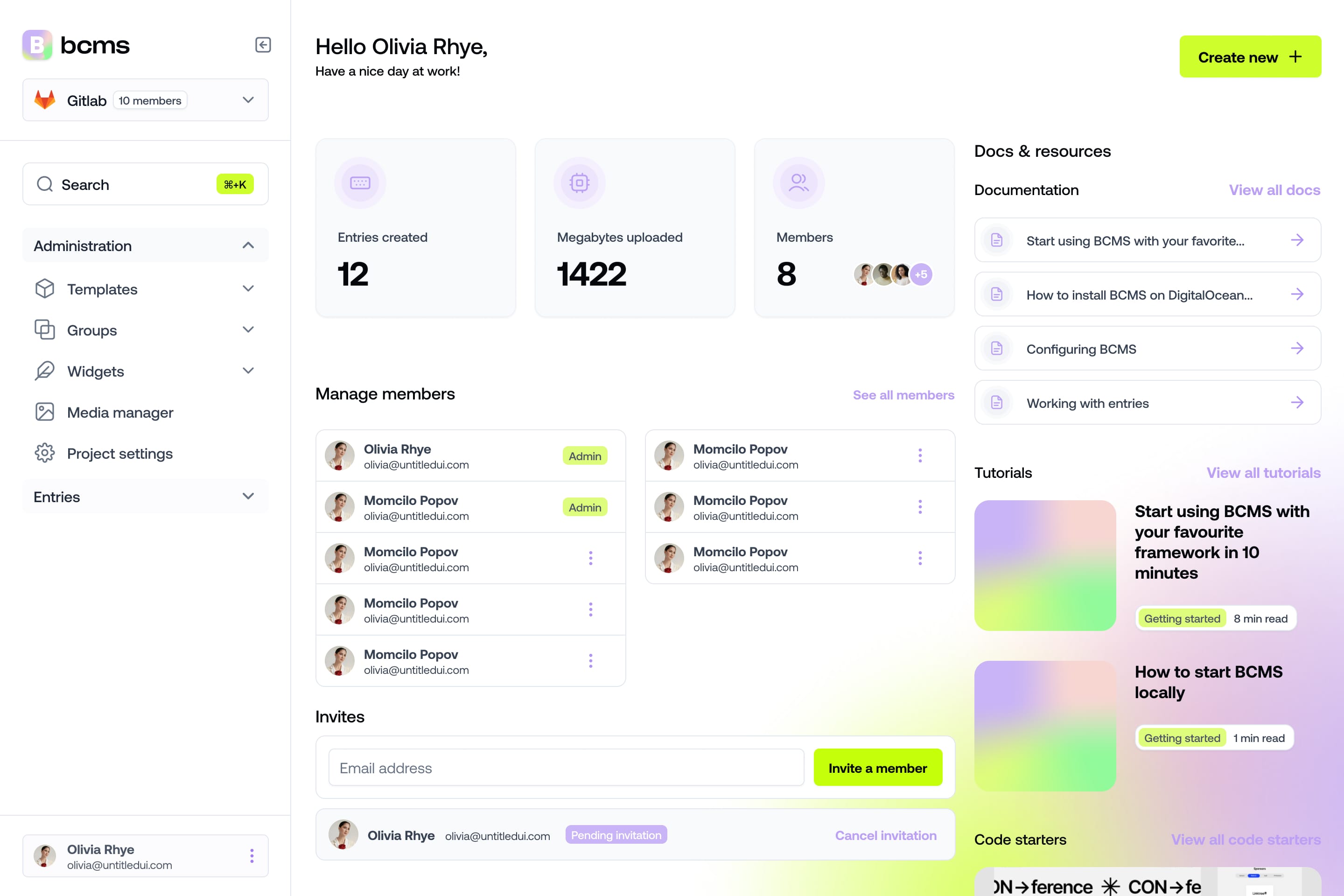
It takes a minute to start using BCMS
14-day free trial · No credit card required
1. Run the Starter Template
In your terminal, run the following command to create a new Next.js project with BCMS:
npx @thebcms/cli create next starter restaurant
2. Install Required Packages
You’ll be prompted to install packages—type y when asked. Once done, a link will appear in the terminal. Click it to open the BCMS dashboard in your browser and log in to your BCMS account. If you don’t have one, you can sign up using Google or GitHub.
3. Name Your Project
After logging in, return to your terminal and name your project, e.g.:
mutitenant-resturant
This will clone the starter GitHub repo into a new folder and set up a sample restaurant layout.
4. Install Project Dependencies
Navigate into your project folder and install dependencies:
cd mutitenant-resturant && npm install
You now have a working project integrated with BCMS, ready to fetch and display restaurant content dynamically.

Configuring BCMS for Multi-tenancy
BCMS makes multi-tenant setups straightforward with its template and entry system, allowing you to define content structures for each tenant while maintaining a centralized backend.
Create the Tenant Template in the BCMS dashboard:
Navigate to the Templates tab.
Click Create new template and name it Tenant.
By default, Title and Slug fields are added.
Save the template.

Create another template, Tenant Item, in the BCMS dashboard:
Navigate to the Templates tab.
Click Create new template and name it Tenant Item.
Keep the default Title and Slug fields.
Add three more fields:
Price (Number)
Category (String)
Tenant_id (Entry Pointer)
Your template should now include: Title, Slug, Price, Category, Tenant_id,
Save the template.

Create and Publish Entries
Create Tenant Entries: Navigate to the Entries section under the Tenant template and create entries for each tenant:
For pizza-place: Set Title to "Pizza Place", Slug to "pizza-place".
For burger-joint: Set Title to "Burger Joint", Slug to "burger-joint".
For pancake-shop: Set Title to "Pancake Shop", Slug to "pancake-shop".
Publish the entries.


Create Tenant Item Entries: Navigate to the Entries section under the Tenant Item template and create entries for each food item, linking them to the appropriate tenant:
For "Margherita Pizza": Set Title to "Margherita Pizza", Slug to "margherita-pizza",Price to 12.99, Category to "Pizza" and Tenant to the "Pizza Place" entry (select from the dropdown).
For "Classic Burger": Set Title to "Classic Burger", Slug to "classic-burger", Price to 8.99, Category to "Burger" and Tenant to the "Burger Joint" entry (select from the dropdown).
For "Blueberry Pancake": Set Title to "Blueberry Pancake", Slug to "blueberry-pancake", Price to 6.99, Category to "Pancake" and Tenant to the "Pancake Shop" entry (select from the dropdown).


Publish the entries to make them available to your app.


Fetching and Applying Tenant Data
Now, let’s fetch the tenant-specific data and apply it in your app.
Add Tenant Routing: In the
src/appdirectory, create a folder[tenant]and a filepage.tsx. The[tenant]folder will be replaced by the tenant’s slug in the URL (e.g., /pizza-place). This sets up dynamic routing for tenants (e.g., /pizza-place, /burger-joint, /pancake-shop).
This code fetches all Tenant Item entries and filters them based on the linked tenant’s slug, matching the URL parameter (e.g., pizza-place).
Here’s a sample page.tsx to fetch and filter tenant-specific items:


The HomeMenu component renders the filtered items:

Dynamic Rendering
With the setup complete, your app dynamically renders content based on the tenant’s slug. For example:
/pizza-place displays "MARGHERITA PIZZA" with a price of "$12.99".
/burger-joint displays "CLASSIC BURGER" with a price of "$8.99".
/pancake-shop display “BLUEBERRY PANCAKE” with a price of “$6.99”
Changes in the BCMS dashboard (e.g., updating a price) will automatically reflect in your app after a re-fetch.


What to look for in a right multi-tenant CMS architecture?
Here are some trends in multi-tenant architecture in 2026:

What to look for in a right multi-tenant CMS
Choosing the right multi-tenant CMS is critical. Here’s what to prioritize:
MACH Architecture: Ensures flexibility, scalability, and omnichannel delivery.
Granular Permissions: Restrict access by tenant, role, or content type.
Localization Features: Support multiple languages and region-specific content.
Scalable Infrastructure: Handle growth without performance hiccups.
Editor-Friendly UI: Empower non-technical users to manage content.
Security Standards: Look for SSO, audit logs, and GDPR compliance.
Framework Flexibility: Integrate with React, Astro, Nuxt, or others. BCMS checks all these boxes, offering a modern, developer-friendly platform that balances power and simplicity.
Conclusion: Try BCMS a a multi-tenant CMS to manage multiple websites
A multi-tenant CMS is a must for businesses managing multiple websites, from global franchises to digital agencies. It saves time, cuts costs, and keeps your brand consistent while allowing local flexibility. BCMS stands out as a lightweight, headless solution built for multi-tenancy, offering developers pre-configured boilerplates, seamless framework integration, and a unified project structure. Marketers benefit from its intuitive dashboard and SEO tools, making it a perfect balance of power and simplicity.
Ready to streamline your content operations? Try BCMS today and see how one CMS can power all your sites with ease.
It takes a minute to start using BCMS
14-day free trial · No credit card required
Try BCMS free
Headless CMS for developers. Agents and clients can edit content. You keep the code.
14-day free trial · No credit card required
Try BCMS free
14-day free trial. No credit card. It takes a minute to start using BCMS.
Content
Try BCMS free
Headless CMS for developers. Agents and clients can edit content. You keep the code.
14-day free trial · No credit card required
Continue reading

Best headless CMS for AI SaaS in 2026
Choosing the right headless CMS is critical for AI SaaS products in 2026

Contentful vs WordPress: which CMS to pick (and when to migrate)
A practical Contentful vs WordPress comparison: architecture, Next.js setups, Contentful CLI migrations, competitors, and when BCMS is the better alternative.

Multisite CMS: Complete guide to managing multiple websites
Multisite CMS: Streamline your workflow & manage multiple websites efficiently. Centralize content, simplify updates, and gain control over all your sites.